This manual is intended for users with an iPhone.
If you are trying to select a photo to post in Biome but only see one photo displayed, or you cannot find the picture you want to post from your iPhone’s library, please follow the instructions below to adjust your iPhone settings.
Explanation
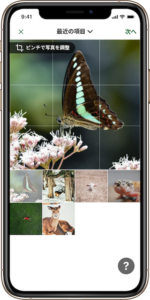
(Explanation)
The photo selection screen only displays photos for which you have granted access to the Biome app.
Even if you grant “All Photos Access” to the Biome app, Biome Inc. and the app do not acquire or store any of your private photo information.
For iOS 14 and Later
Navigate to Settings > Biome > Photos > All Photos.
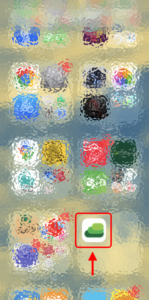
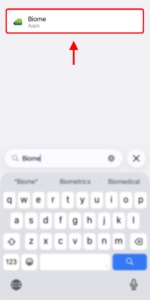
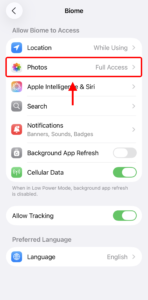
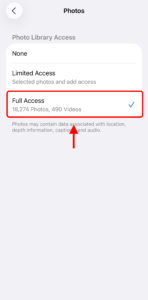
After this adjustment, when you open the Biome app and view the photo selection screen, you will be able to select from all your photos.
For iOS 13 and Earlier
Please follow the same procedure as above: select Settings > Biome > Photos > All Photos.