If you haven’t downloaded the app yet, click here
① Select Your Registration Method
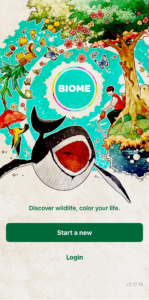
Launch the app and tap the New Registration button.
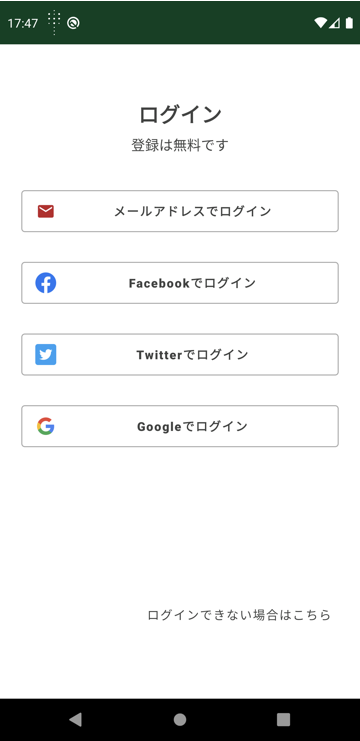
Please select how you would like to register.
The screen shown is for the Android version.
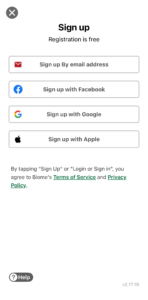
Tips: We recommend registering with the social media service you use regularly.
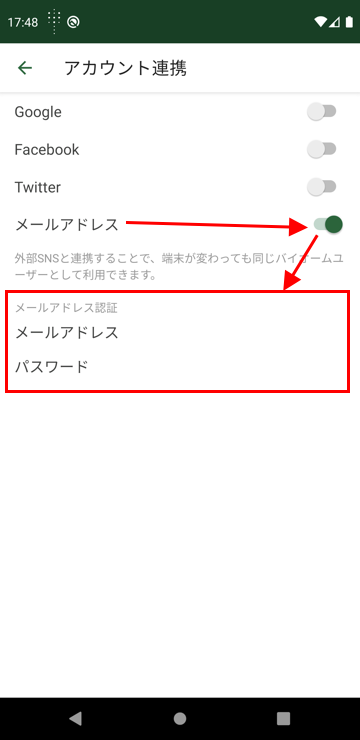
The Biome app will not use your social media account to post or perform any other actions. The registration method (authentication method) chosen here can be changed later.
Register with Email Address
This method allows you to create an account by entering your email address and an optional password.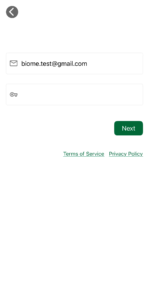
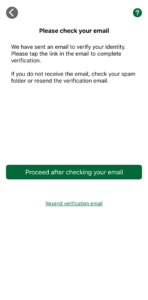
Register with Facebook
This registration method is for those who already use Facebook. Log in to Facebook and grant permissions to the Biome app.
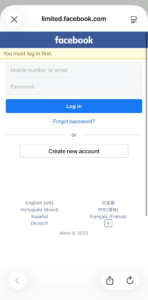
Register with Twitter
This registration method is for those who already use Twitter. Log in to Twitter and grant permissions to the Biome app.
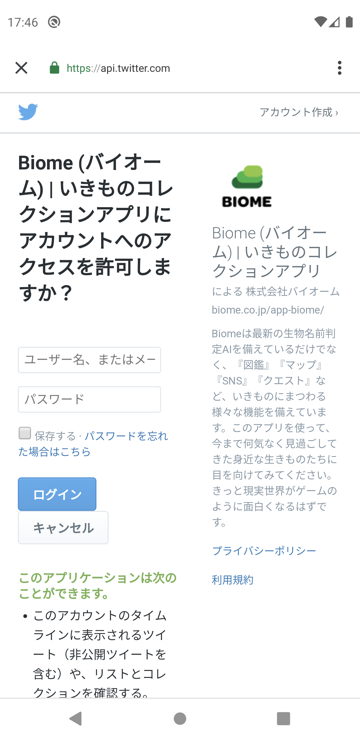
Register with Google
This registration method is for those who already have a Google account. Log in to Google or select the Google account you want to use for Biome registration, and grant permissions to the Biome app.
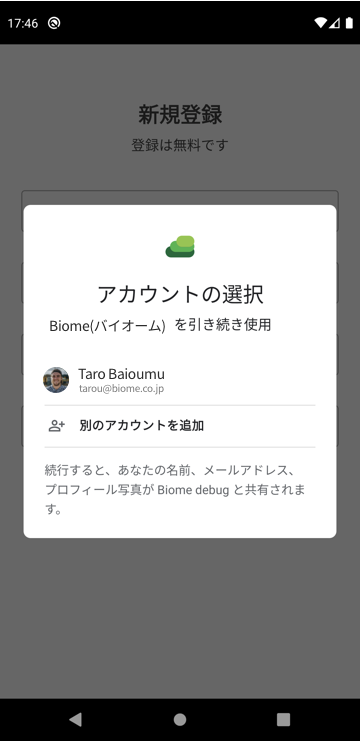
Sign in with Apple
Sign in with Apple is only available for the iPhone version of the Biome app. For more details, please see here.
② Register Your Username
Please enter the username you want to display in the app.
You can use Japanese, English, emojis, and more. You cannot use the same username as another user.

③ Start Using the App
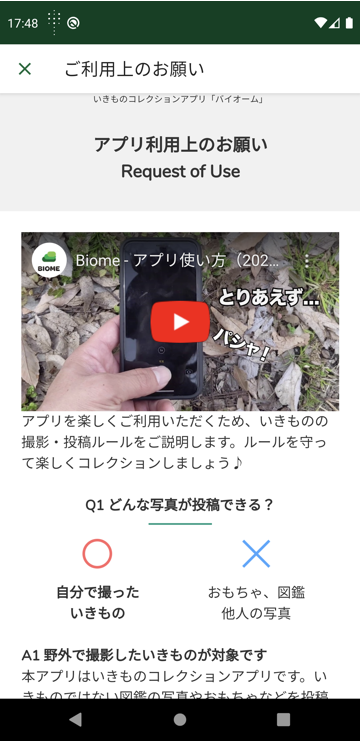
Request for use Page
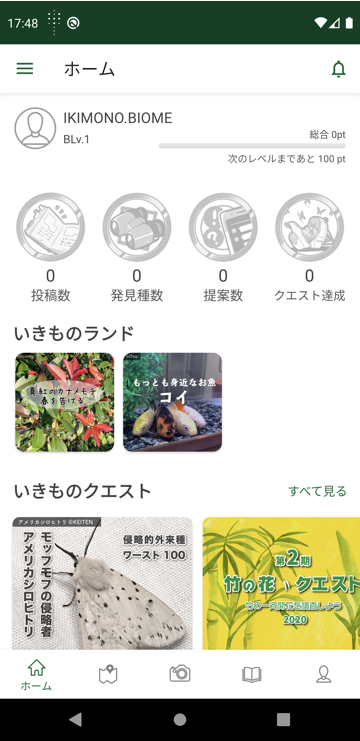
Home Screen
Tips: For Parents
If your child or ward has their own smartphone and you want to review their posts, please log in with the same account on each device.
Related Pages