Login is required to use the Biome app.
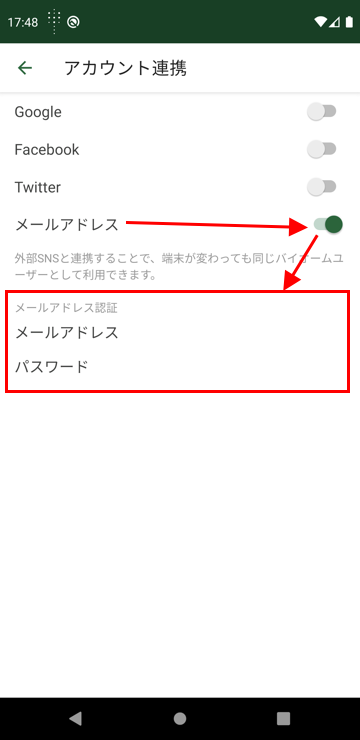
You can continue using the app by logging in with the same method you used when you registered (the method used for account linking).
① Select Your Login Method
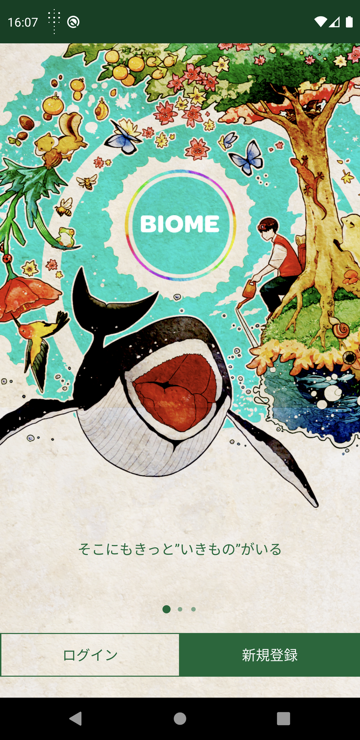
Launch the app and tap Login
Please select your login method
(Screen shown is for Android version)
(Screen shown is for Android version)
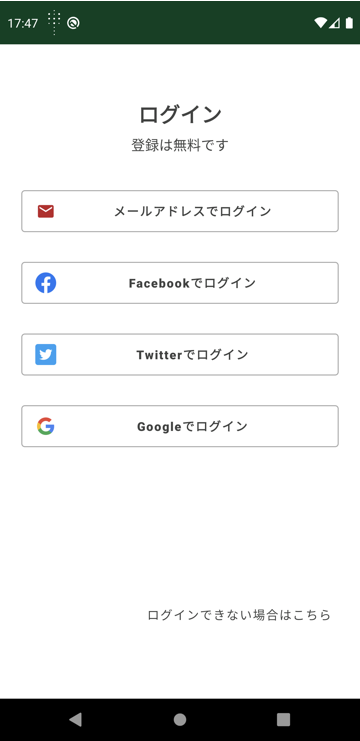
Tips: By logging in with the same method (linked account) you used before, you can continue from where you left off. You cannot log in with a different account or a method you have never linked before (this will result in a new registration, not a login).
② Log In
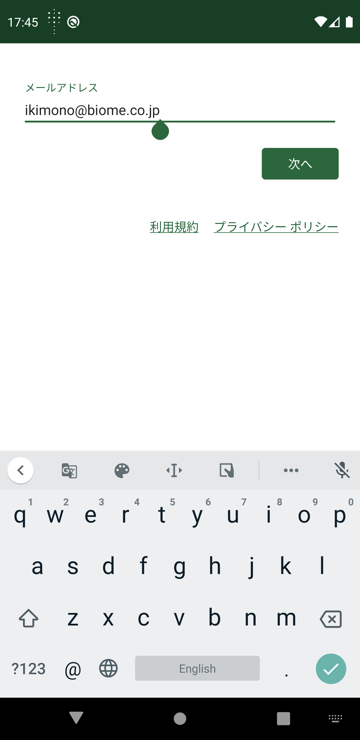
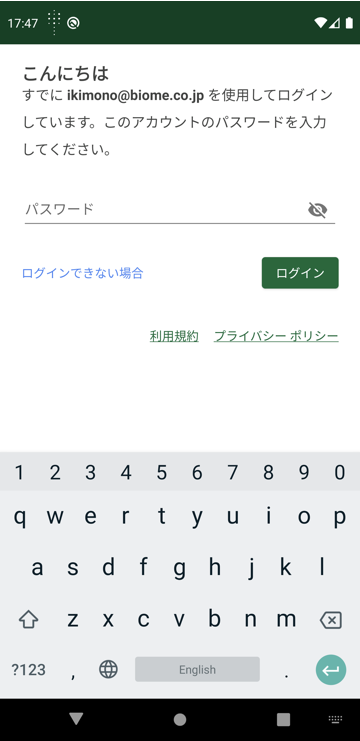
Log In with Email Address
This method allows you to log in by entering your email address and password (optional).
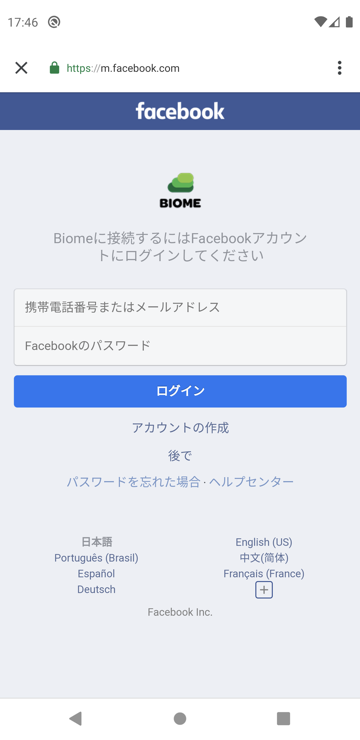
Log In with Facebook
This login method is for those who selected Facebook during registration, or those who have previously linked their Facebook account through “Settings > Account Linking” when using the Biome app.
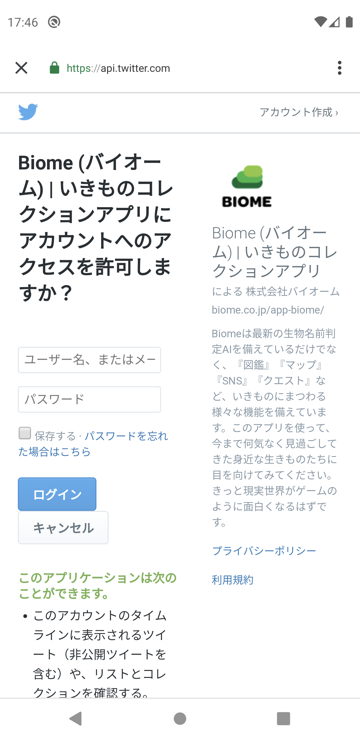
Log In with Twitter
This login method is for those who selected Twitter during registration, or those who have previously linked their Twitter account through “Settings > Account Linking” when using the Biome app.
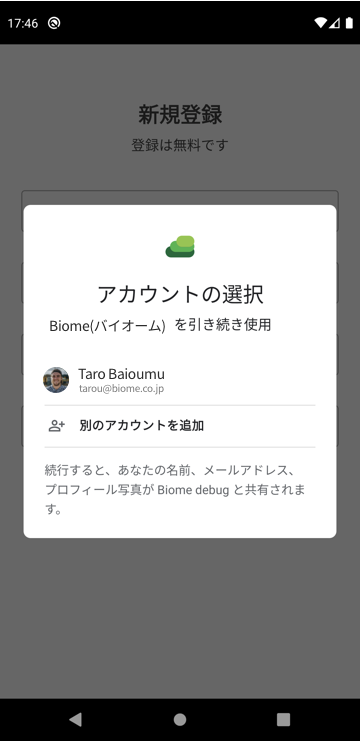
Log In with Google
This login method is for those who selected Google during registration, or those who have previously linked their Google account through “Settings > Account Linking” when using the Biome app.
Sign in with Apple
Sign in with Apple is only available for the iPhone version of the Biome app. For more details, please see here.
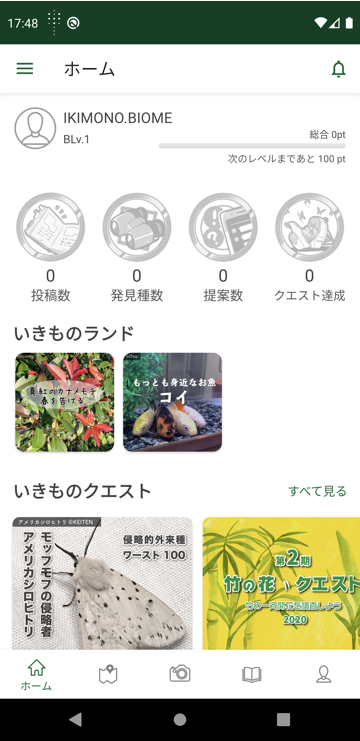
③ Display Home Screen
If You Cannot Log In with Email Address (Password Reset)
If you linked your email address through “Settings > Account Linking” during registration or when previously using the Biome app, you can reset your password. Login instructions will be sent to your registered email address.

If You Cannot Log In
If you are unsure about your login method, please contact us from here. Our staff will respond directly. Please note that contact is only available via email.
Contact FormRelated Pages